

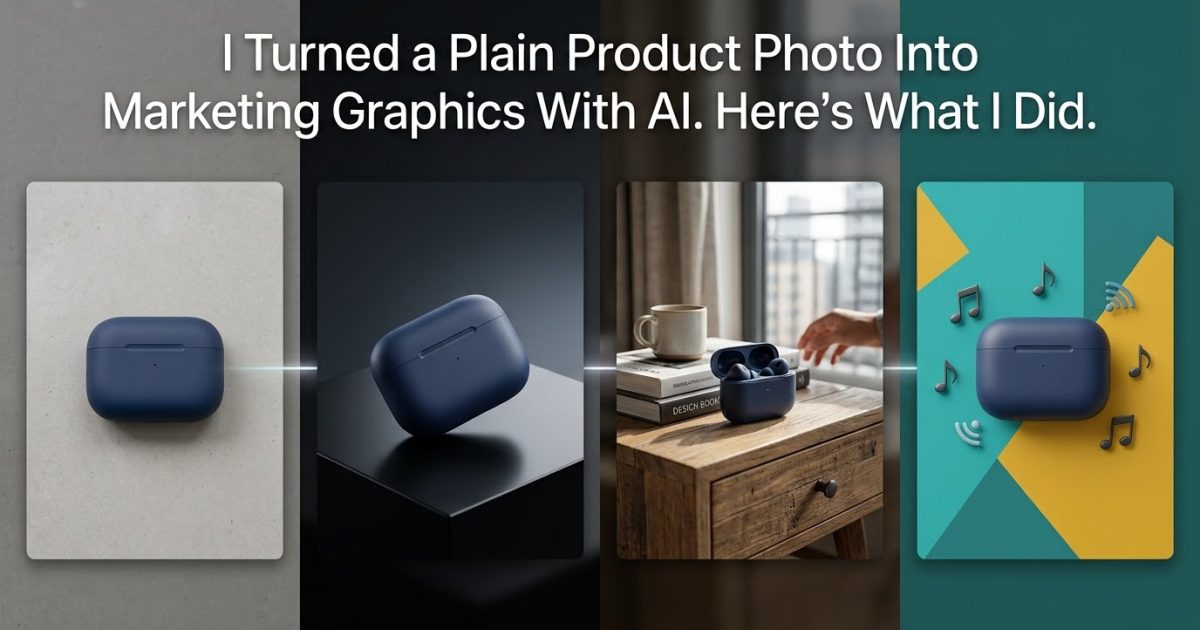
I already had the product photos. What I didn’t want to do was start from scratch every time I needed a marketing graphic.
So I tried a different approach: use my own product photo as the reference and turn it into several marketing visuals with ChatGPT Images.
This is where the latest version, ChatGPT Images 2.5, becomes particularly useful. OpenAI says the model is better at preserving subjects from reference photos, making precise edits, and maintaining consistency across multiple edits.
The idea is simple: keep the actual product, then change the presentation around it.
1. Start With the Original Product Photo
This is the image I would normally have available as a small business owner or seller: a straightforward photo of the actual product.
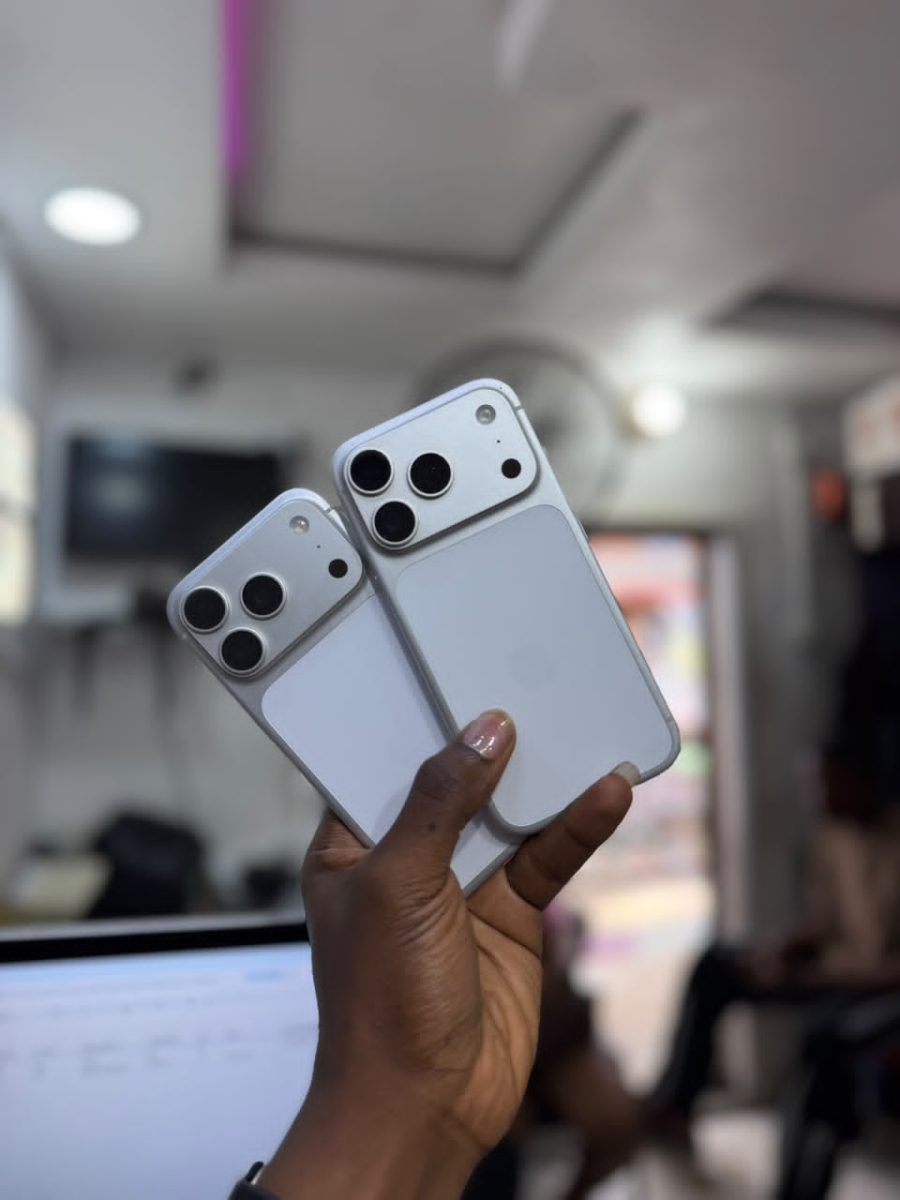
The important part is that the product itself becomes the reference. I’m not asking AI to invent a new product. I’m asking it to present the product I already have in a more polished setting.
2. Turn It Into a Professional Marketing Image
My first goal was simply to make the product look ready for a website, online store, advert or promotional post.

Use the uploaded product photo as the exact product reference. Create a polished commercial product photograph using the same product, preserving its shape, proportions, colors, packaging, logo and visible details. Improve the lighting, composition and background without redesigning the product. Place it in a clean, premium setting suitable for a business website or product advertisement. Make the result look like professional product photography, not an obviously AI-generated image.
This is one of the most useful applications because the product remains familiar while the surroundings do the visual work.
3. Put the Product Into a Lifestyle Scene
A plain product shot can show what something looks like. A lifestyle image can show where it belongs.
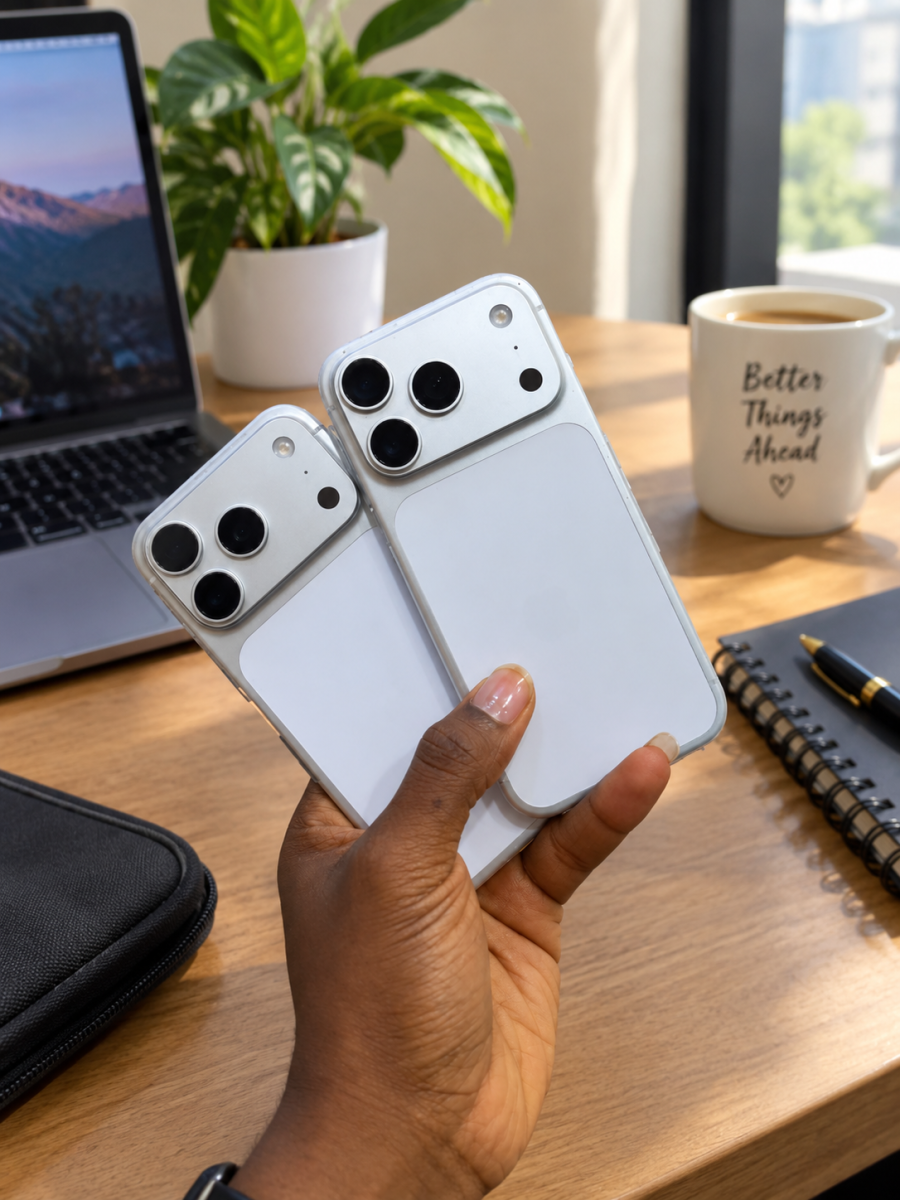
Use the uploaded product photo as the exact reference for the product. Place it naturally in a realistic lifestyle setting that makes sense for the product and its intended customer. Preserve the product’s original shape, packaging, colors, branding and important details. Use natural lighting, realistic shadows and believable perspective. The product should remain the main focus of the image. Do not invent or modify the product itself.
This is where the workflow becomes more interesting. The same source photo can support a completely different visual without needing another photoshoot.
4. Turn the Same Product Into a Social Media Graphic
Next, I wanted something designed specifically for social media rather than another ordinary product photograph.

Use the uploaded product photo as the exact product reference. Create a modern social media promotional graphic featuring this product prominently. Preserve the product exactly, including its packaging, proportions, colors, logo and visible details. Build a clean composition around it with strong visual hierarchy, attractive lighting and enough negative space for a short marketing message. Make it suitable for a square social media post and visually clear on a phone screen. Do not alter the product.
That gives me three different uses from one original photo: a professional product image, a lifestyle visual and a social-media graphic.
5. The Useful Part Is Not Just the Prompt
The prompts matter, but the reference photo matters just as much.
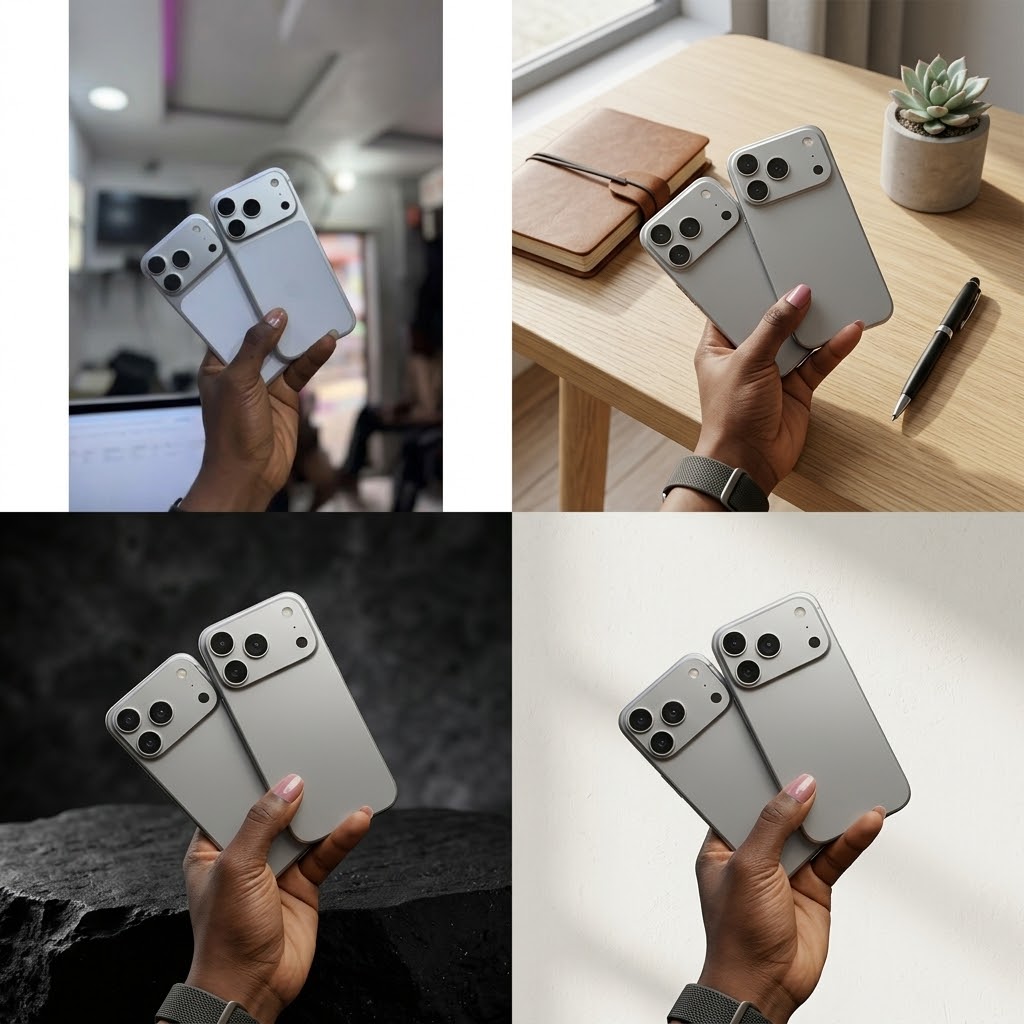
When I want the product to remain recognizable, I make that explicit. The model should know what must stay fixed and what it is allowed to change. OpenAI’s own image prompting guidance recommends identifying what should change and what must remain the same when editing a reference image.
That also makes the workflow easier to refine. Instead of generating another image from the beginning, I can make a small follow-up request such as changing the background, adjusting the lighting or moving the product within the composition.
One Product Photo Can Become Several Marketing Assets
That is the part I find most useful.
I don’t need to think of AI as a replacement for the original product photography. My own photo gives the process something real to work from. AI can then help create different presentations around it.
For a small business, seller or freelancer, that can turn one ordinary product photo into several pieces of marketing content without designing every visual from scratch.
The final step is still important: check the generated image against the real product before publishing it. Product accuracy matters more than simply making the image look impressive. Shopify’s current guidance on AI product photography similarly recommends building images from your own products and representing them honestly.
That is the workflow I’m most interested in: real product photo first, AI-assisted presentation second.




















Conversation (0)