


When I first started experimenting with Google Opal, what interested me wasn’t simply that Google had released another AI tool.
It was the possibility of building something useful without having to approach it like a traditional software development project.
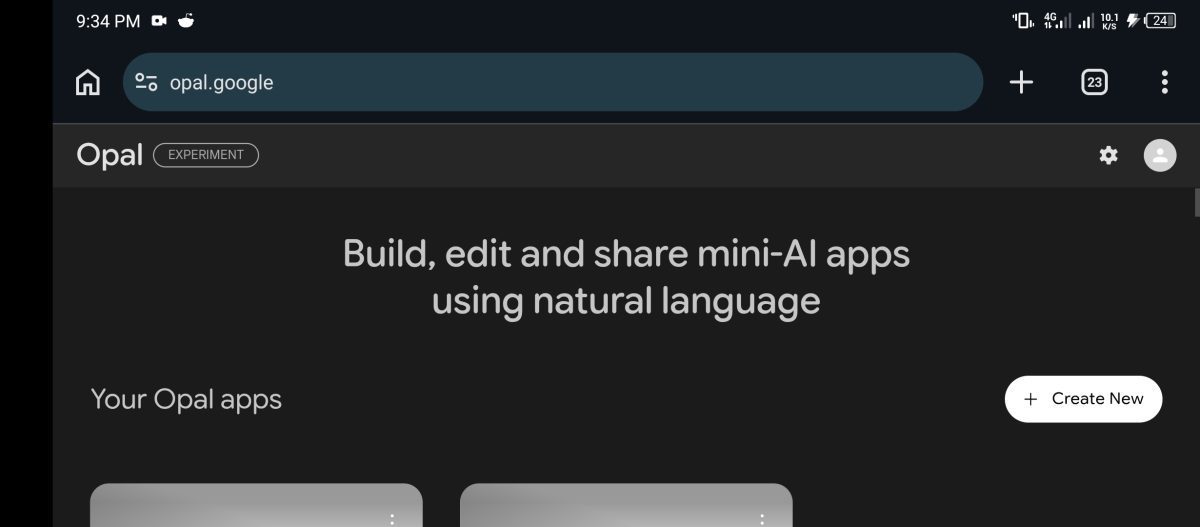
I could describe what I wanted, work through the suggested workflow, make adjustments and see an idea gradually become something interactive.
I actually built with Opal, and I was interested enough in the experience to write about it on FaithfulBiz. One of the things I explored was how someone could use it to create practical AI-powered tools without starting with a blank code editor.
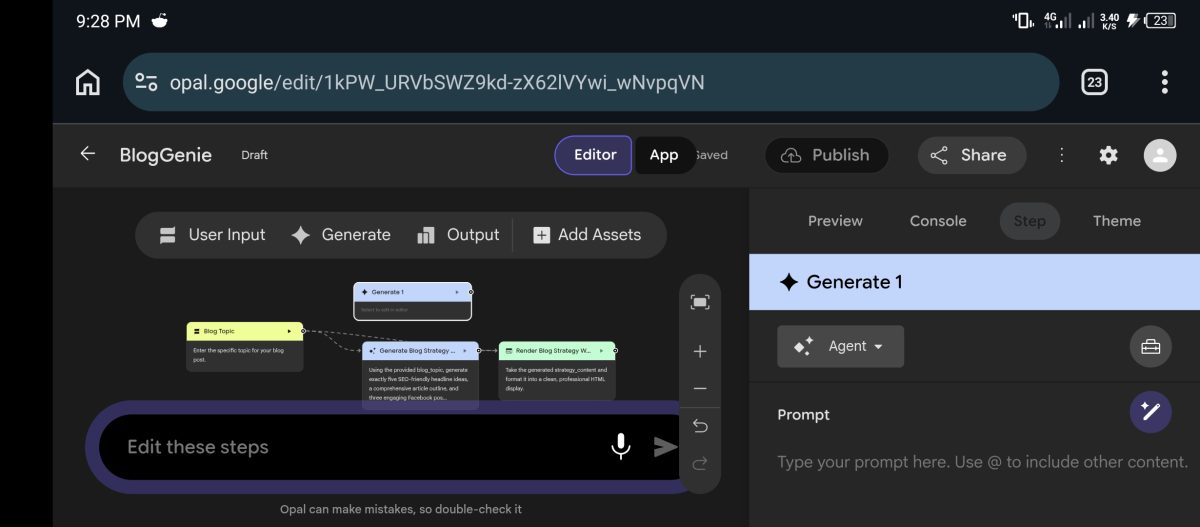
At the time, I was also trying to understand its free access, what users could realistically build and where its limitations might appear.
But Google has now announced that Opal will shut down on November 17, 2026.
That changes how I look at the platform.
Instead of treating this as another review of a free AI app builder, I want to look back at what made Opal interesting, what I learned from building with it, and why its disappearance is worth paying attention to if you use AI tools to create things.
What Made Google Opal Different?
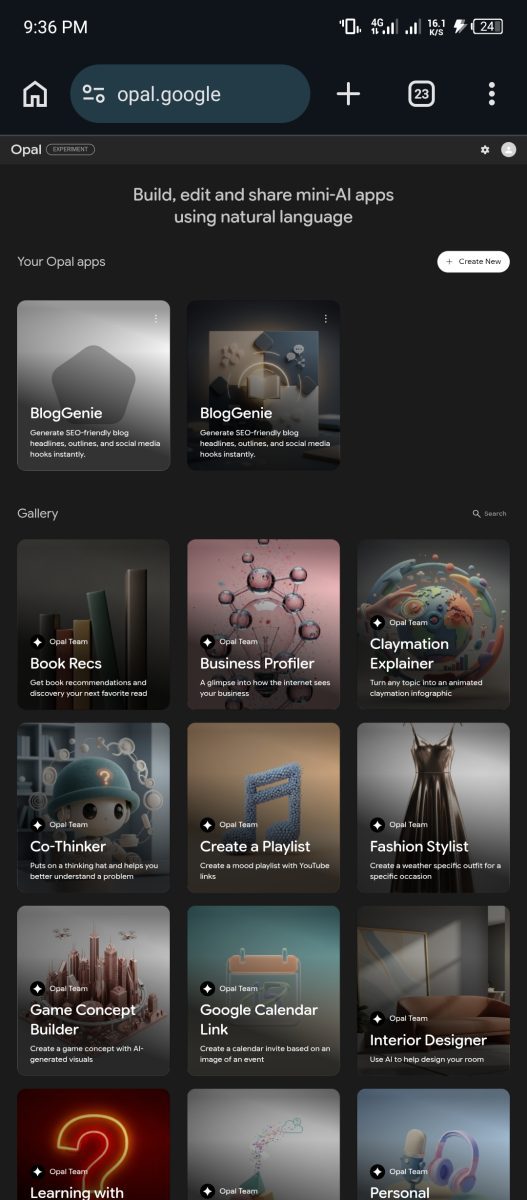
Google Opal was an experimental AI tool from Google Labs that allowed people to build small AI-powered applications, which Google calls mini-apps.
The interesting part was how much of the process could begin with an ordinary description.
You didn’t necessarily need to start by writing code, setting up a development environment or connecting several different services manually.
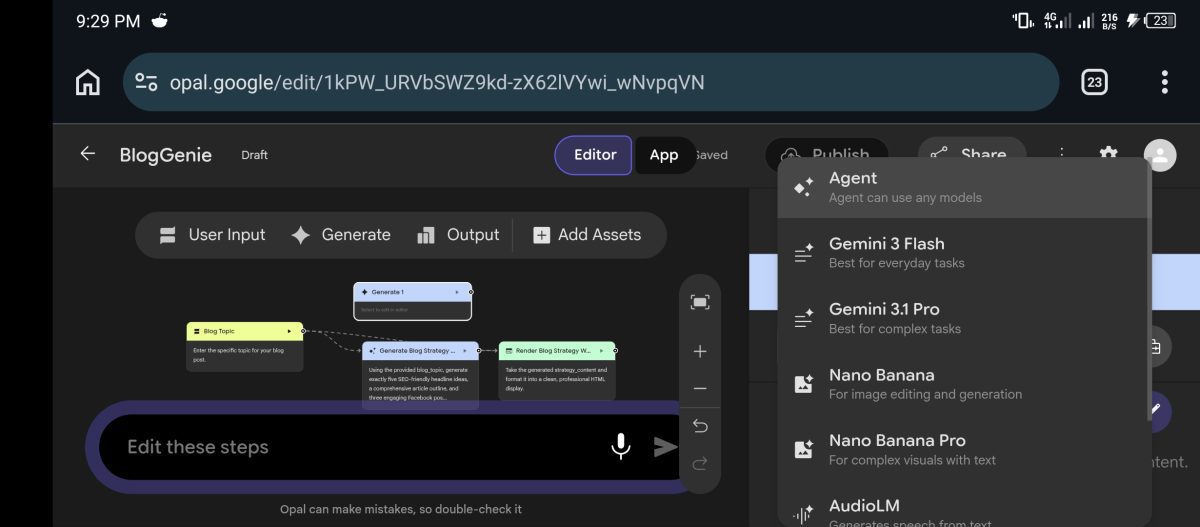
You could describe the tool you wanted to create and use Opal’s visual workflow editor to work through the different steps.
Google describes an Opal mini-app as something that can combine text, image and video prompts with tools such as web search to produce useful outputs.
That could include reports, storyboards, content, images, interactive quizzes and other creative or functional applications.
This was the appeal for me.
I wasn’t looking at Opal simply as a place to ask Gemini questions. I was interested in whether I could turn an idea into a reusable tool.
And that’s a different way of thinking about AI.
What I Actually Found Interesting About Building With Opal
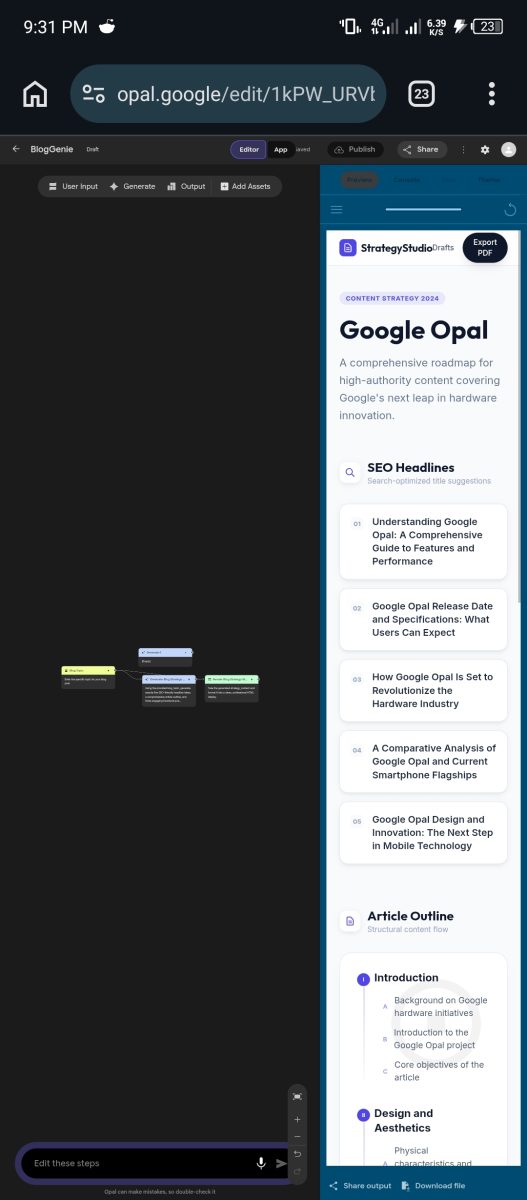
One thing I appreciated about Opal was the visual approach to building workflows.
Instead of treating everything as one long conversation, the editor allowed you to work with individual steps.
You could have an input step where someone provides information, a generation step where AI processes that information, and an output step where the result is presented.
This made it easier to understand how the different parts of a mini-app connected.
I also liked that the platform gave you room to experiment.
You could start with an idea, inspect what Opal generated, test the result and make adjustments when something wasn’t working as expected.
That doesn’t mean every instruction produced a perfect application on the first attempt.
Like other generative AI tools, Opal could misunderstand what you wanted or produce an output that needed further refinement.
Google itself advises users to check their prompts and test their applications because Opal can make mistakes.
But the ability to experiment without approaching everything as a conventional coding project was what made it interesting to me.
The Kind of Things You Could Build With Google Opal
I think one of the easiest ways to understand Opal’s usefulness is to look beyond the technology and consider the problems people might want to solve with it.
For example, imagine a content creator who repeatedly needs to turn research into structured article briefs.
Instead of writing the same instructions every time, that person could experiment with building a mini-app that accepts a topic and produces a structured brief.
A freelancer could explore a tool that collects project information and generates a proposal.
A small business owner could experiment with a workflow that organises customer requests or prepares product descriptions.
These are examples of possible applications, not claims that every workflow would work perfectly without further configuration.
The important distinction is that Opal made it possible to experiment with turning repeated tasks into reusable AI-powered tools.
For me, this was more interesting than simply asking an AI chatbot to generate something once.
I was exploring how to make the process reusable.
What I Learned About Building With AI
My experience with Opal reinforced something I have noticed while experimenting with other AI development tools.
Getting an AI to generate something is not the same as building something useful.
You still need to understand the problem you’re trying to solve.
You need to give the AI enough information, test what it produces and recognise when the result isn’t good enough.
A vague instruction can produce a vague application.
If you want a tool that performs a specific task, you need to think about the information it should collect, what should happen after that information is submitted, and what the final result should look like.
I also learned not to confuse an impressive demonstration with a finished product.
A mini-app might look convincing during a quick test, but that doesn’t automatically mean it is reliable enough for customers or business operations.
You still need to test different inputs, check the outputs and consider what happens when something goes wrong.
This is particularly important if you’re building something that other people will depend on.
I’ve had similar experiences with other AI development tools. For example, I documented how I used Claude to build three interactive applications in my article, How I Used Claude AI to Build 3 Apps in One Hour on the Free Plan.
The tools work differently, but the underlying lesson is similar: AI can reduce the distance between an idea and a working prototype. It doesn’t remove the need to evaluate what you’ve built.
The Free Access Was Useful, But I Wouldn’t Build a Business Around an Assumption
One of the reasons I originally explored Opal’s free plan was that it lowered the barrier to experimentation.
You could try building something without first committing to another software subscription.
However, there’s an important distinction between a product being available without charge and having a guarantee that it will remain available indefinitely.
Opal was a Google Labs experiment.
That matters.
Experimental products can change, evolve, become part of another product or disappear altogether.
Google has now provided a clear example of that possibility.
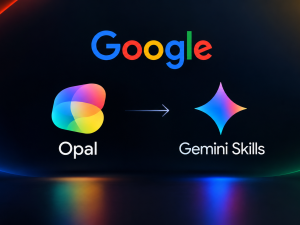
The company says Opal’s experiment helped shape Skills in Gemini, its newer approach to saving and reusing custom instructions in chat.
So, looking back, I wouldn’t describe the time spent experimenting with Opal as wasted.
But I would approach any experimental AI platform differently if I were building something intended to support a long-term business.
I would preserve important prompts, keep copies of useful outputs and avoid making a single experimental platform the only place where an important workflow exists.
That is a lesson worth taking beyond Opal.
What Happens to Google Opal Now?
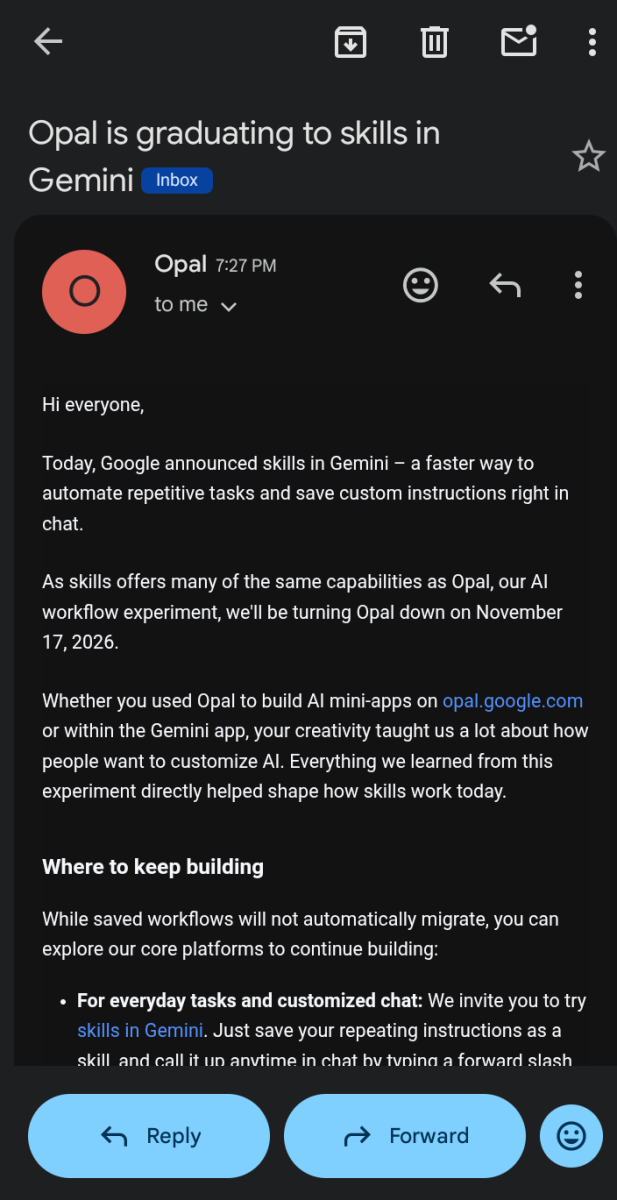
Google has confirmed that the experimental Opal service will turn off on November 17, 2026.
Existing users should understand a few important details:
- Saved Opal workflow files will remain in a folder named Opal inside their personal Google Drive.
- Google says it will not delete those files when the service shuts down.
- Existing workflows will no longer run interactively after the shutdown.
- Opal workflows will not automatically migrate into Gemini Skills.
- Users can copy important prompts and custom instructions before the shutdown.
- Google says downloaded workflow files can still be opened with a plain text editor to retrieve prompt text.
This means keeping your workflow files is not the same as keeping the original interactive application working.
Google recommends preserving important prompts before November 17.
You can read the details directly in Google’s official Opal FAQ.
I’ve covered the shutdown, the saved files and the transition to Gemini Skills in a separate article: Google Opal Is Going Away in November: I Just Got the Shutdown Email. Here’s What It Means.
If you still have important workflows in Opal, I recommend reading that guide before the shutdown.
Is Google Gemini Skills the Same Thing as Opal?
Not exactly.
Google says Skills were shaped by what it learned from Opal and its experiments with customizable AI workflows.
Skills allow users to save instructions that Gemini can reuse when performing recurring tasks.
You can think of them as a way to teach Gemini how you want certain tasks handled without having to repeat the same detailed instructions in every conversation.
But there is a difference in the experience.
Opal gave users a visual environment for building mini-apps by connecting different workflow steps.
Skills focus more on reusable instructions within the Gemini experience.
Google also recommends Google AI Studio for people interested in deeper prototyping and custom prompt experiments.
So I wouldn’t assume that every application someone built with Opal can be recreated simply by saving its prompt as a Skill.
The underlying requirements may be different.
You can explore Google’s Skills documentation and Google AI Studio to understand the available options.
My Biggest Takeaway From Using Google Opal
I think the most valuable thing Opal demonstrated was how people can approach software creation differently when AI becomes part of the building process.
A few years ago, someone with an idea for a small interactive application might have needed to find a developer, learn to code or pay for a specialised platform before testing whether the idea was even useful.
Tools like Opal made that initial experimentation much more accessible.
You could explore an idea, build a prototype and learn from the result before deciding whether it deserved more investment.
That doesn’t mean AI-generated applications are automatically production-ready, or that traditional software development is no longer necessary.
It means the starting point has changed.
And even though Google is discontinuing Opal, the company says what it learned from the experiment helped shape Skills in Gemini.
For me, that’s a more interesting outcome than simply watching another AI tool disappear.
I would rather take the lessons from something I built and apply them to the next tool than become dependent on one platform forever.
That’s ultimately what my experience with Opal taught me.
The tool may be going away, but the ability to think through a problem, experiment with AI and turn an idea into something useful is not going away with it.
















Conversation (0)