

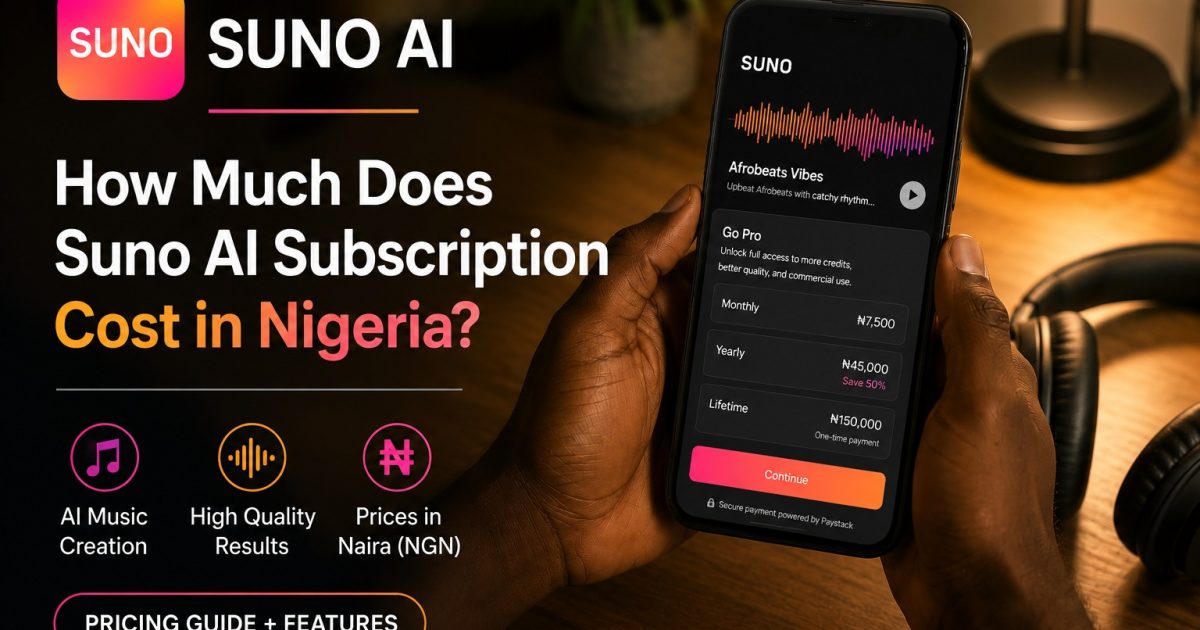
Our guide on paying for AI tools from Nigeria covered Claude, ChatGPT, and X Premium, all paid through the Google Play Store instead of a dollar card. AI music is the next big wave of tools Nigerians are asking how to pay for, so it is worth checking whether the same trick actually holds up here too.
Key takeaway: Suno has real Android and iOS apps, and subscriptions bill through your Google or Apple account, the same mechanism that lets a Naira card work for Claude and ChatGPT. That solves the decline problem. What it does not confirm is a discount the way Claude’s Nigerian App Store price does, so treat this as a reliability fix first and a possible savings second. The free tier also does not allow commercial use at all, which matters if you are making music to sell, not just to enjoy.
Why Suno Declines Nigerian Cards on the Website
Suno bills its website checkout through Stripe, the same payment processor behind a lot of the tools already covered on this site. Stripe runs risk checks on every card before approving a charge, and Nigerian card numbers get flagged by that check more often than cards from other countries. This happens even when your bank has fully enabled the card for international spending, because the block is happening on Stripe’s side, not your bank’s.
That is the exact same root cause behind Claude and ChatGPT declines. Different company, same processor-level problem.
Does the Play Store Route Actually Work Here
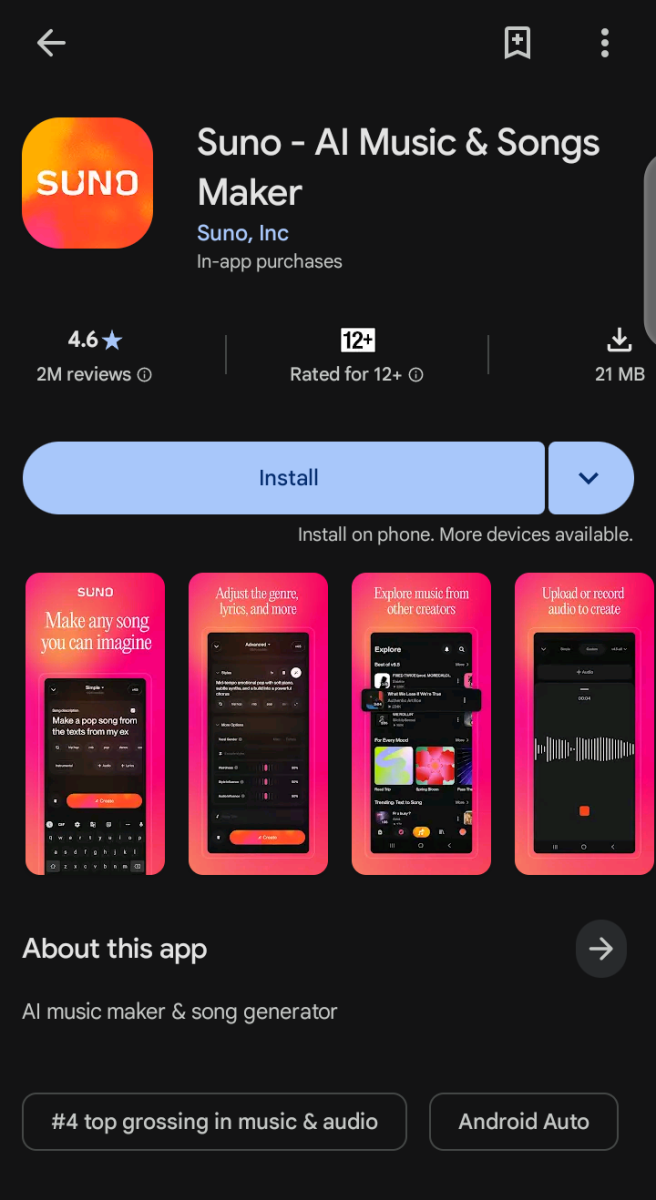
Yes, based on how Suno’s own app and support pages describe it. Suno has genuine apps on the Google Play Store and Apple App Store, and subscribing through either one charges your Google Account or Apple ID’s existing payment method instead of going through Suno’s own Stripe checkout.
Since Google and Apple already accept a much wider range of Nigerian cards for their own app store purchases, this route should sidestep the exact decline Stripe causes on the website.
One honest gap here: unlike Claude, where the Nigerian App Store price is confirmed cheaper than the direct website price, nothing in Suno’s own materials confirms a similar discount. The safest assumption is that Play Store billing fixes the decline problem, and any price difference is a bonus to confirm rather than something to count on going in.
The Commercial Use Catch Worth Knowing Before You Pay Anything
Suno’s free plan gives 50 credits a day, which is genuinely generous for practice. But the free tier does not allow commercial use at all. Music made on a free account cannot legally be sold, licensed, or used in monetized content anywhere.
If your actual goal is the kind of income the AI music guides online talk about, selling custom songs, uploading to stock libraries, using tracks in client work, you need a paid Suno plan regardless of which payment route gets you there. The free tier is for testing and learning prompts, not for building an income stream.
How to Actually Check This on Your Own Phone
Download Suno from the Play Store or App Store rather than going to suno.com first. Open the app, sign up, and go to the upgrade or subscription screen inside the app itself. Check whether it shows a price and accepts your existing card without any errors.
If it does, you have confirmed the same fix that already works for Claude and ChatGPT applies here too. If the app still shows an error or a USD price that fails, that is your sign to fall back to a virtual dollar card for this specific tool, the same fallback covered in the main guide.
This has not been personally tested on Suno the way the Claude and ChatGPT routes have. The mechanism is confirmed from Suno’s own documentation, but real results can vary by device, region settings, and which card is actually linked to your Google or Apple account. If you try this, the two minute test above will tell you for certain faster than any guide can.












Conversation (0)