

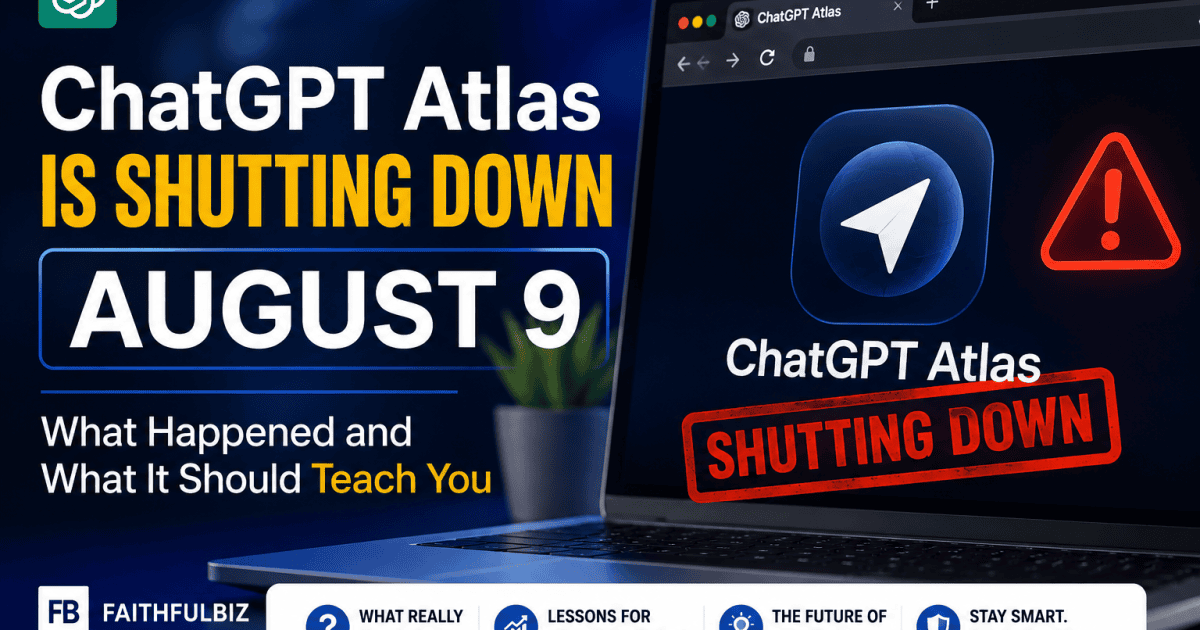
If you jumped on ChatGPT Atlas when it launched in October 2025, here is something worth knowing before you build anything else around it.
OpenAI is shutting it down on August 9, 2026, less than a year after it came out. This is the first post in a new series on AI browser tools, and it starts here on purpose, because this story is the clearest example yet of why chasing every new AI tool the day it launches can leave you rebuilding your workflow a few months later.
Key takeaway:
OpenAI announced on July 9, 2026 that ChatGPT Atlas, its standalone AI browser, will stop working entirely on August 9. Its features are moving into the regular ChatGPT desktop app and a Chrome extension instead. If you use Atlas, you have until then to export your bookmarks and passwords, since OpenAI says they will not transfer automatically. The bigger lesson is simple: a tool having a big launch does not mean it is safe to build your daily workflow around yet.
Here is exactly what is happening, why OpenAI made this call, and what it should teach you before you adopt whichever AI browser tool comes next.
What Is Actually Happening
OpenAI launched Atlas on October 21, 2025, as a full standalone browser built around ChatGPT, promising it would eventually expand beyond Mac to Windows, iOS, and Android.
That expansion never happened. On July 9, 2026, OpenAI product lead James Sun announced Atlas would shut down on August 9, giving users a 30 day window to move their bookmarks, saved passwords, and browsing history somewhere else before the browser stops opening pages entirely.
OpenAI is not stepping back from AI browsing as an idea. It is folding Atlas’s features straight into the main ChatGPT desktop app and a Chrome extension instead of keeping them in a separate browser.
Sun described it as a graduation rather than a failure, saying Atlas users taught the company how agents can help with browsing and everyday web tasks, and that those lessons are now going into the main product.
OpenAI confirmed all of this directly in its own help center notice, and it is worth reading in the company’s own words rather than just taking a summary of it secondhand.
From OpenAI’s official announcement:
OpenAI confirms it is retiring Atlas as a standalone browser and moving everything it learned from it into the main ChatGPT desktop app and a Chrome extension instead. The company says the goal is a fuller browsing experience built directly into ChatGPT itself, including support for multiple open tabs, downloads, better page navigation, and staying signed into your accounts. On what happens after the deadline, OpenAI does not soften it. Its help center states plainly that Atlas “may no longer open, browse, or support browser-based agentic workflows.”
Why OpenAI Actually Made This Call
The honest reason underneath the official language is simpler than a graduation story. Maintaining a full standalone browser means competing directly with Chrome, Edge, and Safari, while also keeping up with the constant security patching a browser requires. That is a heavy resource commitment for a product that never expanded past one operating system.
There is also a harder truth about user behavior. Most people already have their bookmarks, saved passwords, browser extensions, and daily habits built into Chrome.
Getting someone to abandon all of that and switch their entire browser is a much bigger ask than simply adding an assistant to the browser they already use every day. Chrome won this round mostly through gravity, not through being better at any one task.
If You Were Using Atlas, Do This Before August 9
Export your bookmarks to an HTML file rather than assuming they will carry over on their own, since OpenAI has confirmed they will not transfer automatically.
Note any saved passwords separately too, and confirm which accounts you will need to sign back into on whatever browser you move to. If Atlas is currently set as your default browser, switch that back before the shutdown date so nothing breaks unexpectedly on August 9.
Watch for the official migration email and in-app notice OpenAI said it would send, since that will have the most accurate timeline for your specific account.
The Bigger Lesson Worth Remembering
This is not really a story about one browser failing. It is a preview of how fast the AI tools space is still moving, and a real reason to be a little careful about which tools you build your actual daily workflow around.
Atlas launched with real hype less than a year ago. Anyone who moved their bookmarks, passwords, and daily browsing habits fully into it is now doing that migration work over again, on OpenAI’s new 30 day timeline, not their own.
The practical takeaway for anyone building a business or content workflow around AI tools is to treat brand new standalone products with a little patience before going all in, and to prefer tools that add themselves to what you already use rather than ones that ask you to replace your entire setup.
That is also exactly why the AI browser tools actually worth learning right now, Claude in Chrome and Perplexity Comet, take a different approach than Atlas did, and why they are next up in this series.
If the idea of an AI agent handling tasks inside your browser is new to you, our guide to what AI agents actually are and how they work is the right place to start before diving into the tools replacing Atlas. And if ChatGPT itself is still new to you outside of Atlas, our complete ChatGPT guide covers everything the desktop app and Chrome extension now build on.























Conversation (0)